For All Shoots

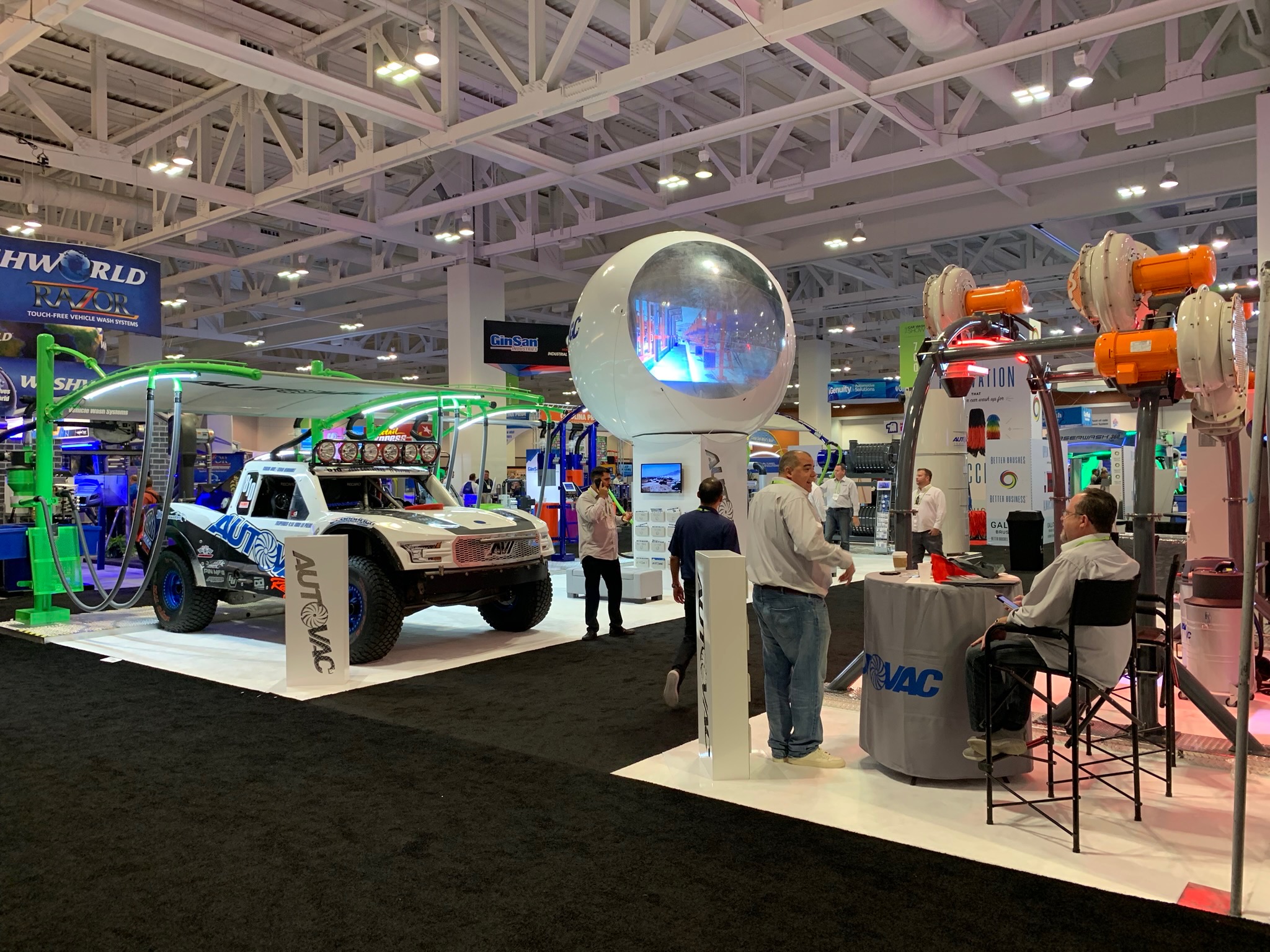
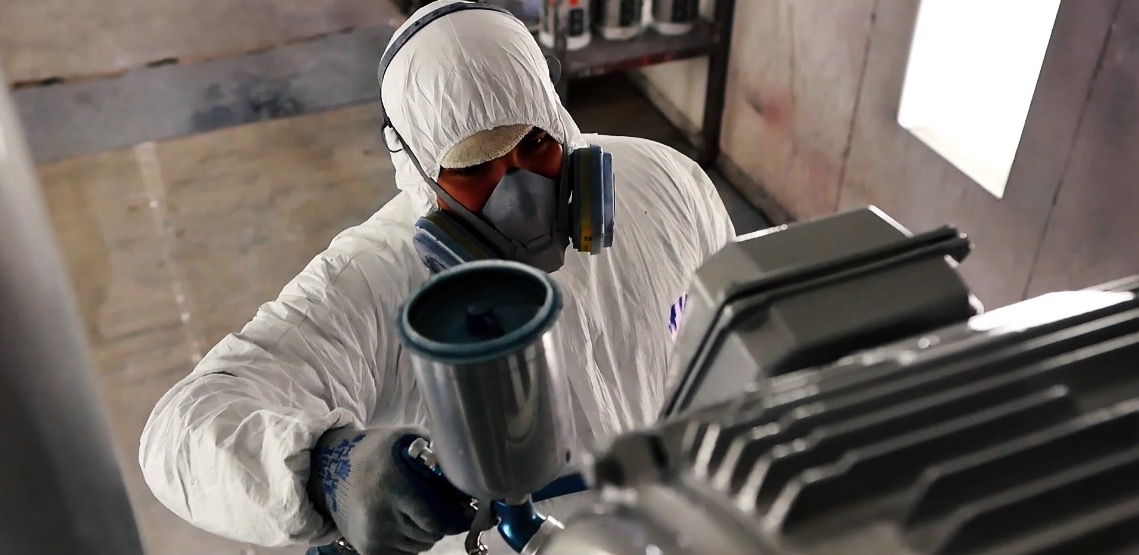
When we record a video inside the factory or office, be sure that every staff member is wearing an appropriate autovac uniform. This also applies for outdoors shootings like shows, conferences and every place where we are going to be representing our brand.

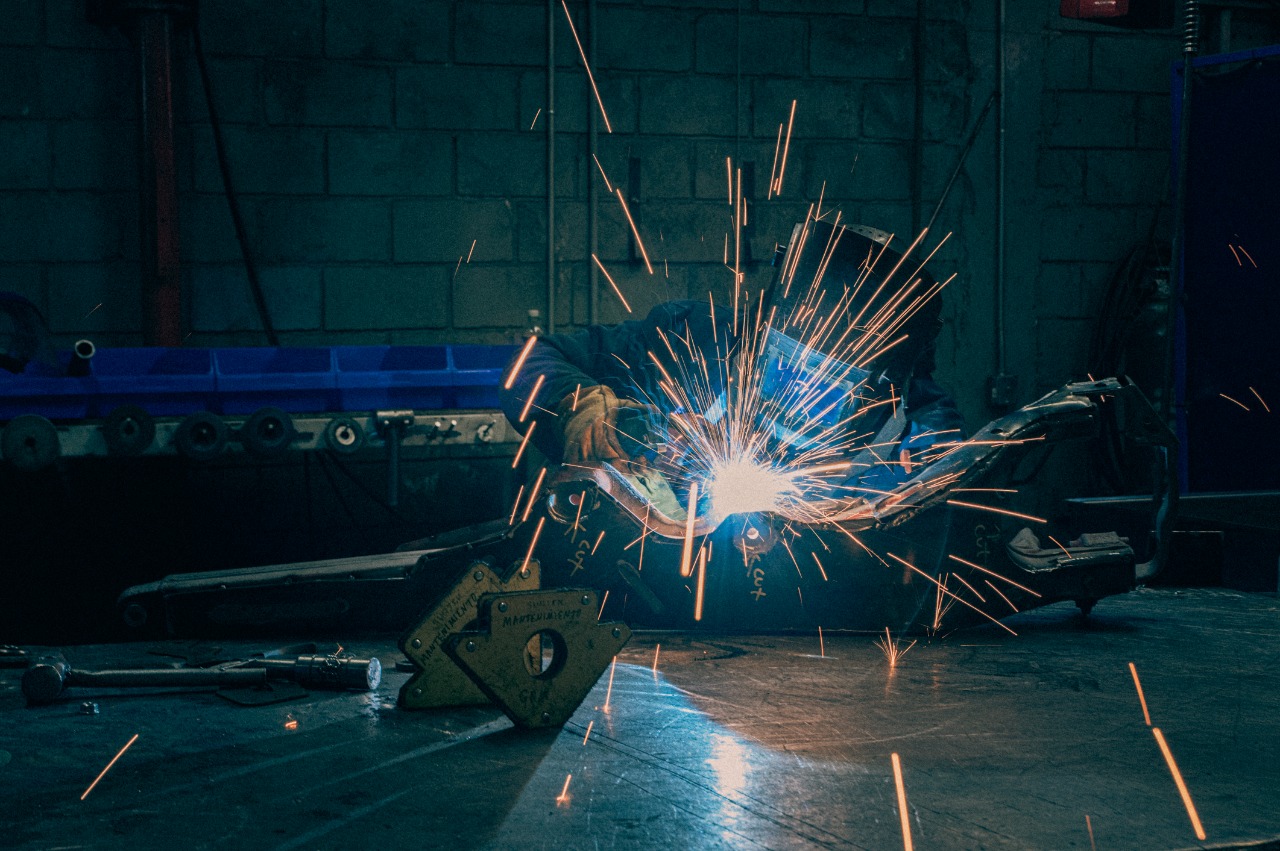
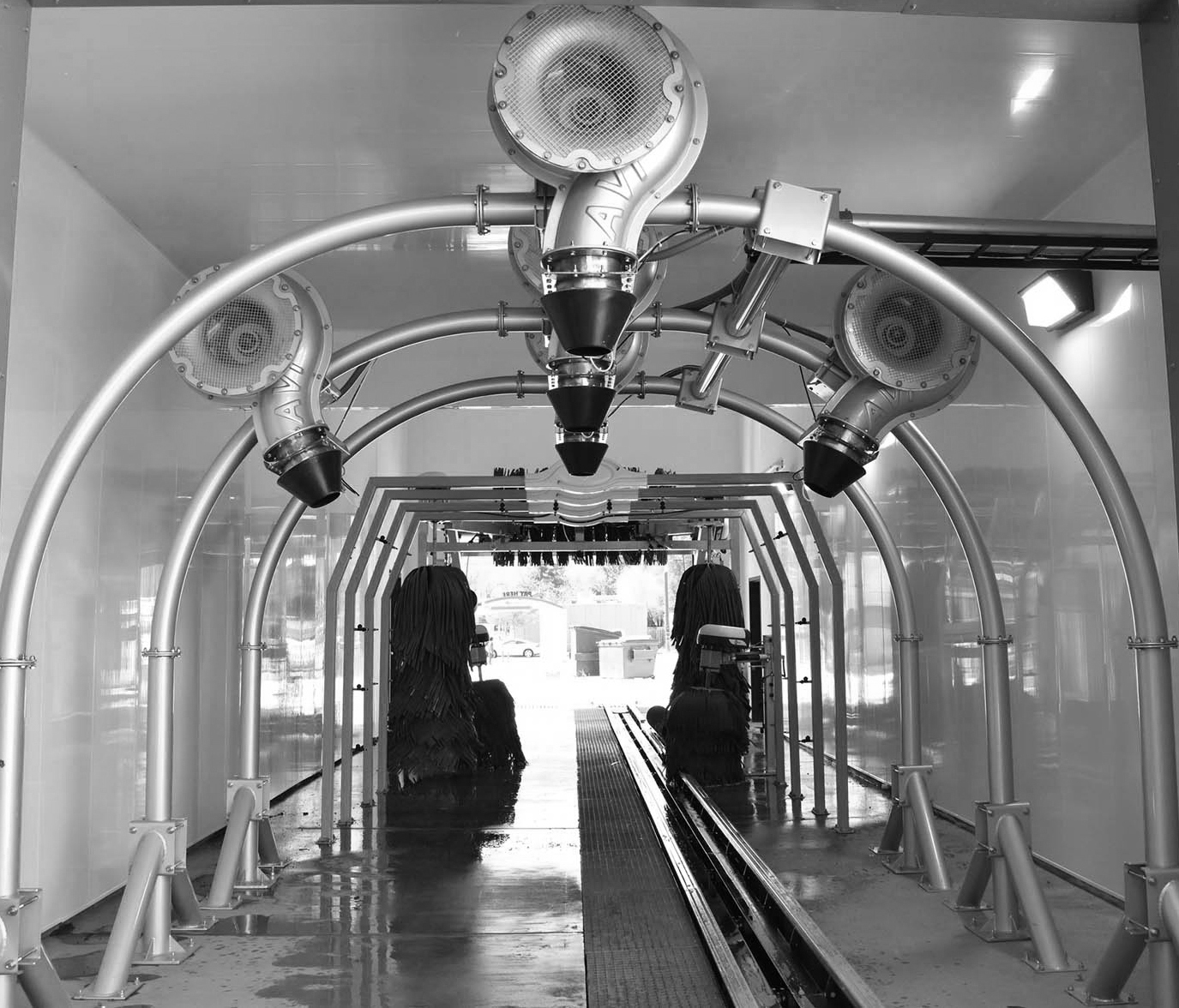
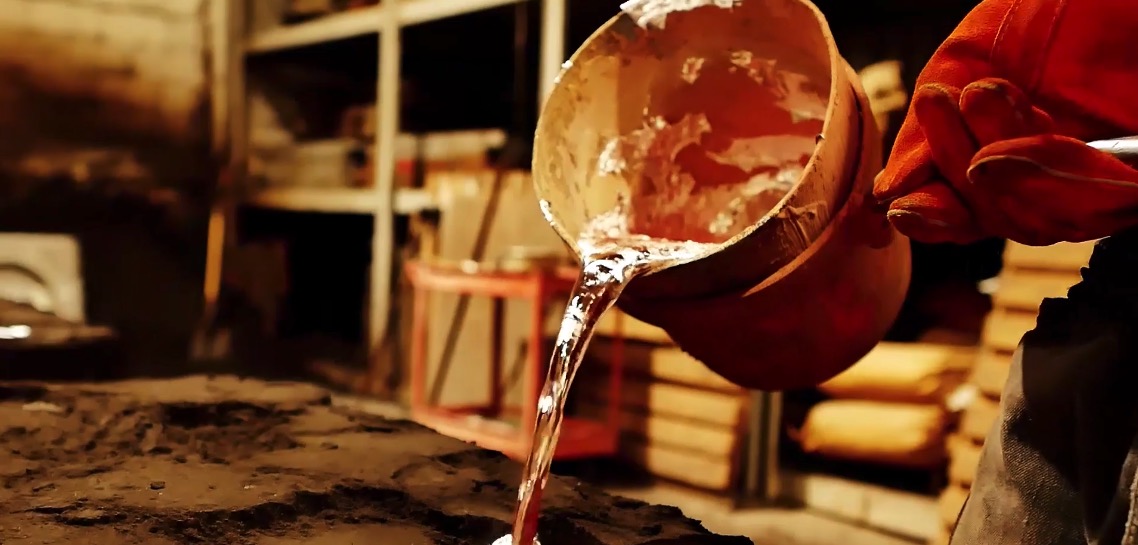
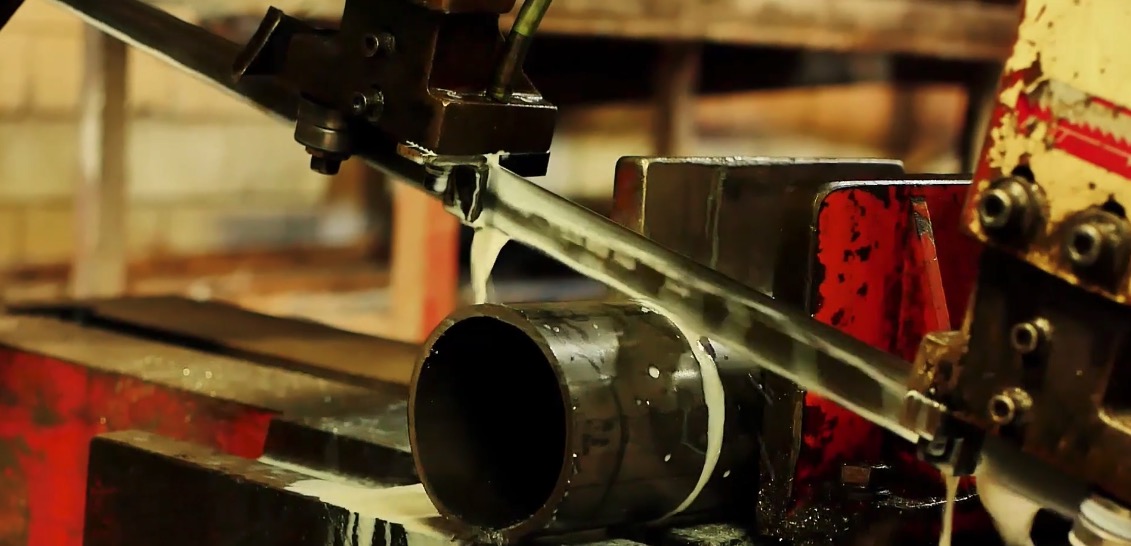
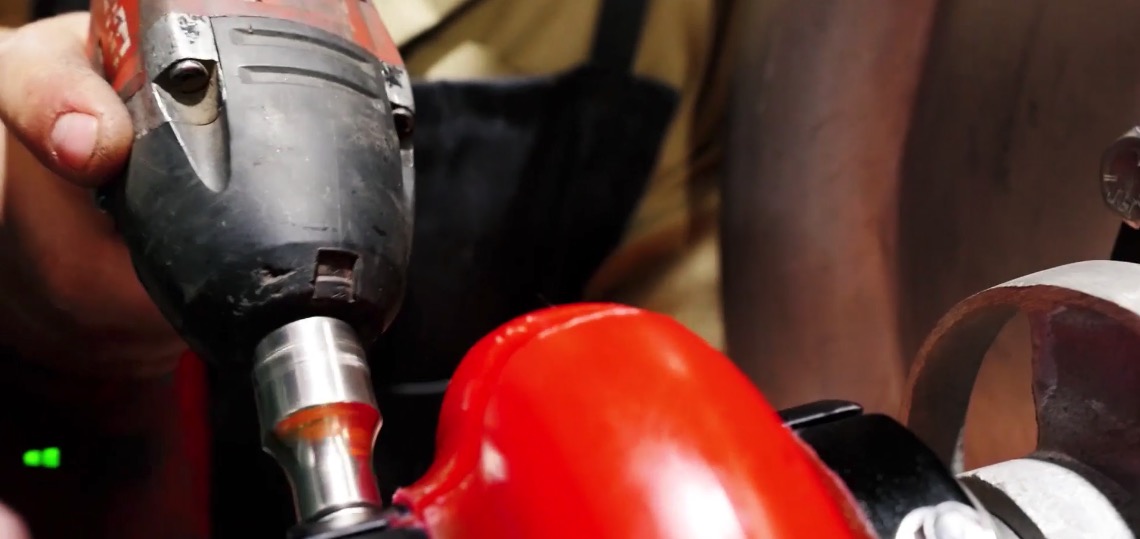
Also if we are shooting a video inside our factory, all appropriate gear must be used by employees. Shooting areas that are intended to be used for scenes must be clean and organized; all shootings must show the top of the line high tech processes and equipment, & the latest products and models we work with.

Before any shoot, please alert all staff involved 24 hours in advance so that they can prepare.

This applies for all scenes unless there is a specific reason to go outside the guidelines

Lower Thirds

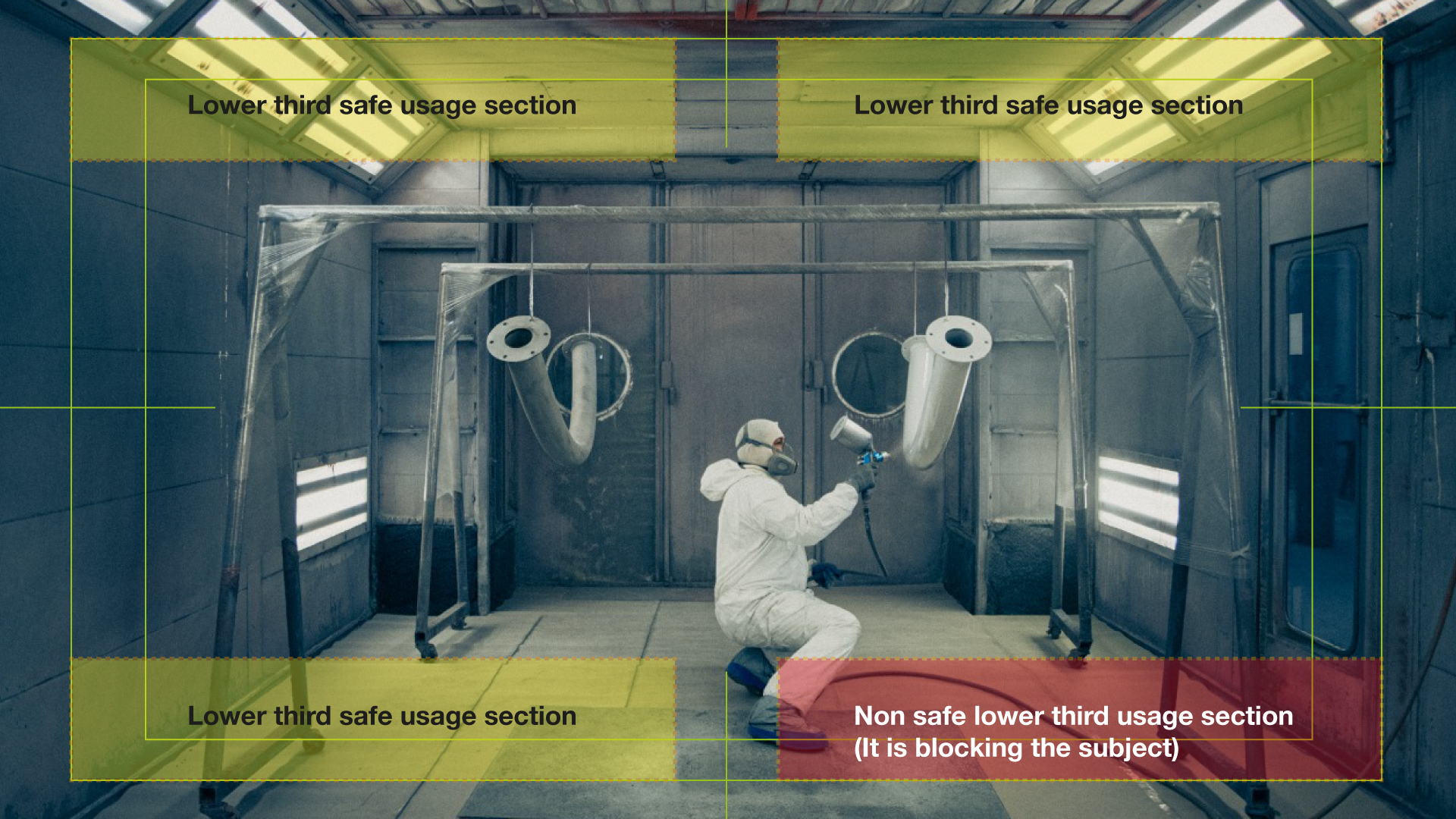
At the lower thirds file you will find a list of the many variations we have to apply them to a video. You can use all lower thirds models listed inside the After Effects file. Their usage must be always applied taking care of using them at the top or low corners of the screen, using Helvetica Neue Font family and text must always be inside the safe margins.


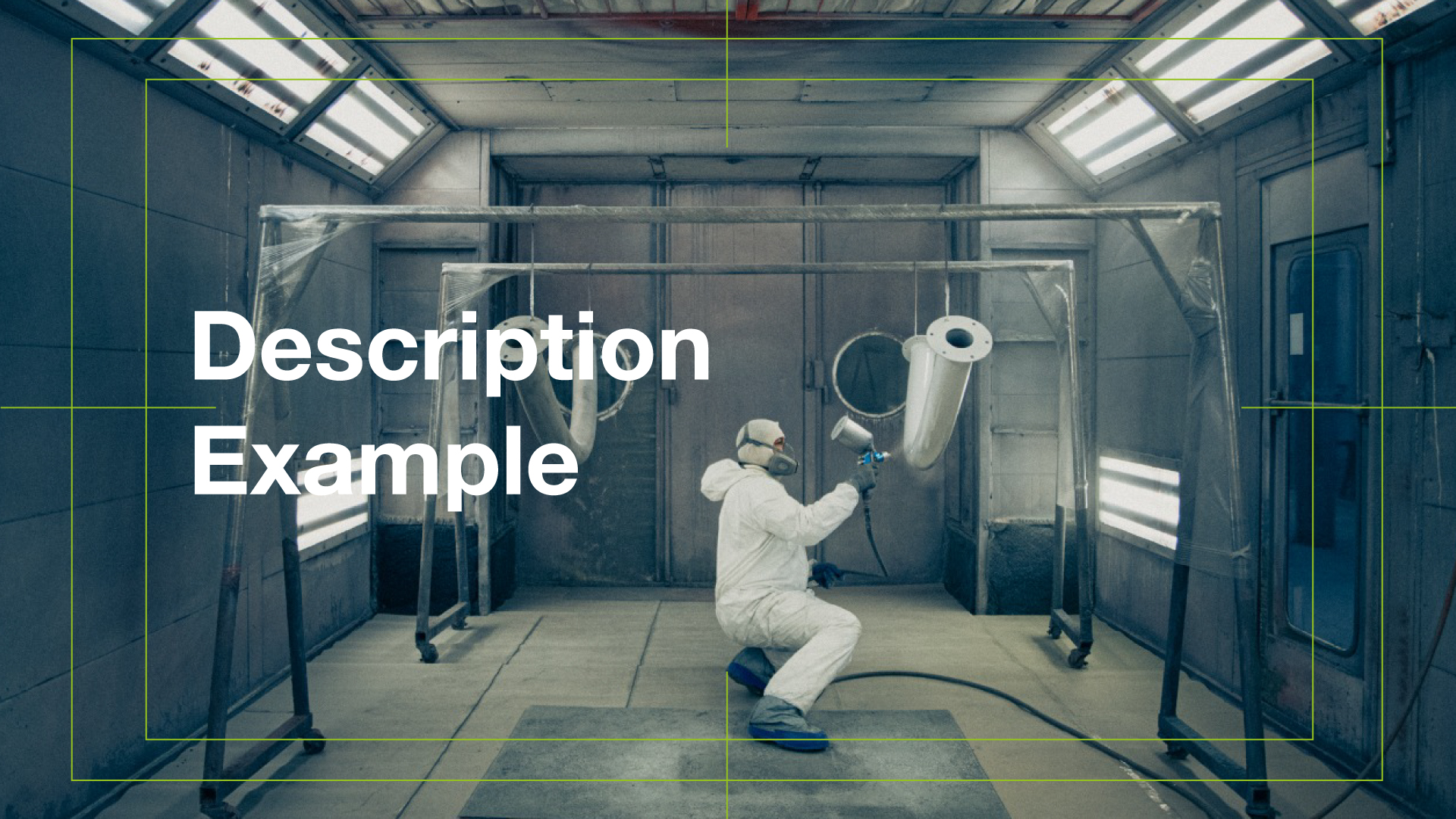
There is also the possibility to use lower thirds as a descriptive transition title. This special application will only be used for sending one- or two-words idea to the viewers. This kind of application needs to not block the view but describing the general shoot context or detail.

LOGO

All written text that appears in videos should fit within the text safe area of the video to ensure proper display on all devices.

Typography

In accordance with our Graphic identity style guide, the Helvetica Neue font should be used for in-video captions, text overlays, and lower thirds. Alternative fonts are XKepler and XAvenir.

For text overlays:

Do not obstruct the subject.
Keep text on screen long enough to be read.
Keep the text within the title/action safe.
Do not allow text to compete with words being spoken.
For accessibility, all videos uploaded and hosted on the web should be closed captioned. YouTube and Facebook have effective captioning tools.
Colors
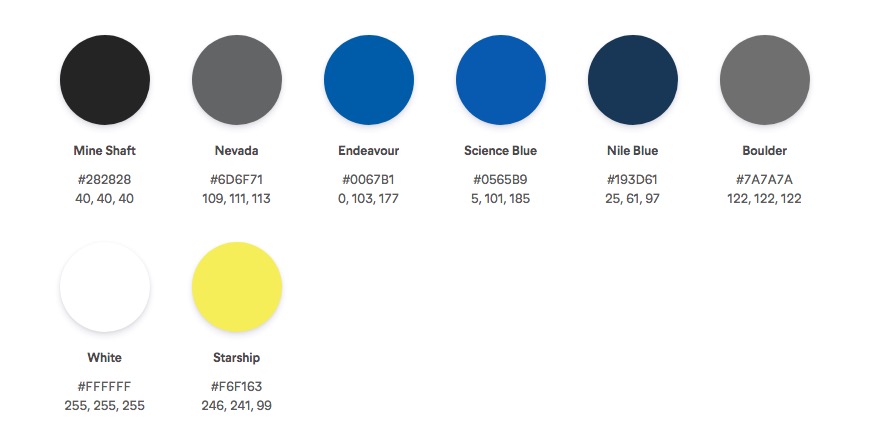
For text, use white, black, or off-white.
For text overlays, we suggest a semi-opaque background.

Colors

Lighting

Make sure that any subject is properly lit. Use natural light to your advantage. Avoid shooting into windows or the sun except for stylistic reasons.

Audio

Interviews/voiceovers: To ensure a high quality of sound, use a lavalier or a unidirectional microphone. Sometimes ambient noise cannot be helped, especially at large events or gatherings, but avoid using an omnidirectional microphone unless you’re in a quiet space.

Decibel range: Do not have audio peaking at 0db. Audio peaks should be between -3 and -8db, or down to -12db if needed.

Music: Background music should never overpower spoken words or distract from the story. Avoid music with lyrics. Music from a recognized source, such as a clip from a concert or musical theatre production, may or may not be okay to use, depending on its copyright. All music used, no matter what its source, must be copyright free or within the guidelines of fair use. If royalty-free stock music is purchased, it must be used in compliance with its licensing. You can also use creative commons music, as long as you follow the attribution guidelines. If you are unsure, ask Autovac for authorization and approval first.

Content

If you are recording a video, is what you’re shooting visually interesting?
Other than interview subjects, are things static, or is there movement?
Does it have dynamic range?

Make sure to include a variety of shots:
establishing shots, close-up shots, medium shots, wide shots. Avoid shaky footage.
Make sure subject is in focus, unless you’re using a rack focus, and that footage is exposed for a proper white balance.
For framing interviews, adhere to the rule of thirds, meaning that a subject’s eyes should be placed 1/3rd of the way down the frame, and 1/3rd of the way to the left or the right of the frame.

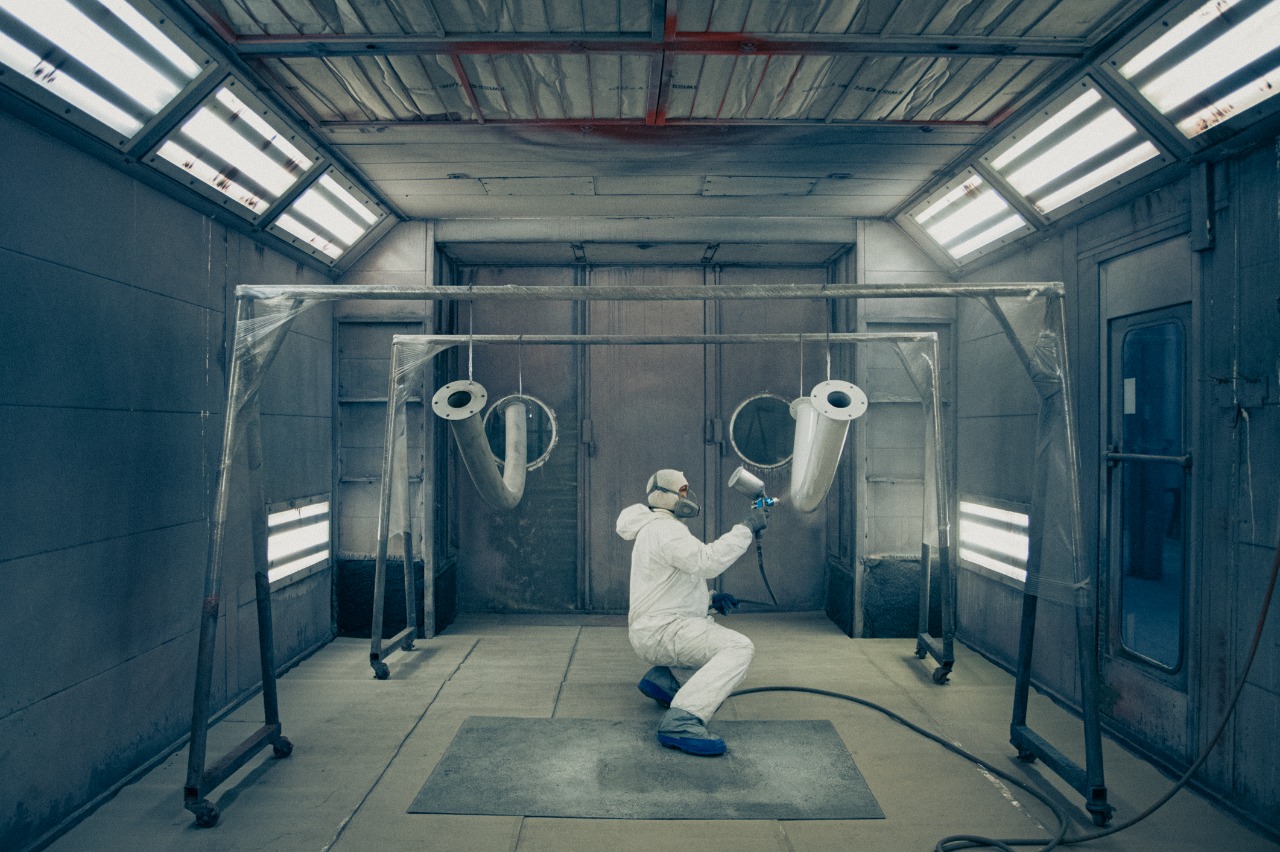
For footage inside Autovac Facilities, make sure that all staff are in unform and focused on their work.
Do not have staff looking at and smiling at the camera unless for stylistic purposes.

File Names

File Names Please be sure your file names do not contain any special characters or accents. Examples: &, å, ñ, é, ß, ®️, ©️, §, ç, ä, ø, ü, or quote marks (“ ” or ‘ ’). Spaces and dashes are allowed.

Approved Photos for Marketing

The most important step is getting the correct image specs.
Images must be high resolution (a large digital image).
The higher the resolution, the sharper and larger the finished product can be.
We suggest you follow these guidelines:
Use an image more than 2MB in size.
Use an image greater than 1800 x 1800 pixels in size.
Use an image with between 180-300 DPI (Dots Per Inch).
You can upload JPEG, GIF, TIFF and PNG photo files to us via email, dropbox, google drive, wetransfer, or related large file sending apps. (add links to these services) For other file types, including PDF, PSD, AI, EPS and SVG, or if you are experiencing issues please contact us.
If you're planning on taking a photo, use a digital camera that can take a high quality, high resolution digital photograph. You may have to adjust your settings to get the highest picture quality. We found following these steps when taking a picture produces the best end product:
Limit the use of zoom. Zooming decreases the resolution of the image.
Get as close to the subject as possible so that it fills up the shot.
Make sure there is adequate lighting; dim photos make for a dim custom creation.

You must own the rights to the image(s). If you took the photograph that you’re sending us then you own the rights. If someone else took the photograph, you need permission from that person to use the photograph. If you used a professional photographer he or she should be able to provide you with a release form. If you upload a licensed image or an image you do not own the rights to, we will not be able to legally use the image.

That may not be all. You need to ask yourself whether or not you have permission, even if you took the photo. If not, the right of publicity may prohibit us from using your photo. If you don't have a person's permission, chances are good that there's a right of publicity issue.

Email Policy

Acceptable email use policy

Use of email by employees of Autovac is permitted and encouraged where such use supports the goals and objectives of the business.

However, Autovac has a policy for the use of email whereby the employee must ensure that they:

comply with current legislation
use email in an acceptable way
do not create unnecessary business risk to the company by their misuse of the internet
Unacceptable behaviour

The following behaviour by an employee is considered unacceptable:

  • use of company communications systems to set up personal businesses or send chain letters

  • forwarding of company confidential messages to external locations

  • distributing, disseminating or storing images, text or materials that might be considered indecent, pornographic, obscene or illegal

  • distributing, disseminating or storing images, text or materials that might be considered discriminatory, offensive or abusive, in that the context is a personal attack, sexist or racist, or might be considered as harassment

  • accessing copyrighted information in a way that violates the copyright

  • breaking into the company's or another organisation's system or unauthorised use of a password/mailbox

  • broadcasting unsolicited personal views on social, political, religious or other non-business related matters

  • transmitting unsolicited commercial or advertising material

  • undertaking deliberate activities that waste staff effort or networked resources

  • introducing any form of computer virus or malware into the corporate network
  • Monitoring
Autovac accepts that the use of email is a valuable business tool. However, misuse of this facility can have a negative impact upon employee productivity and the reputation of the business.

In addition, all of the company's email resources are provided for business purposes. Therefore, the company maintains the right to examine any systems and inspect any data recorded in those systems.

In order to ensure compliance with this policy, the company also reserves the right to use monitoring software in order to check upon the use and content of emails. Such monitoring is for legitimate purposes only and will be undertaken in accordance with a procedure agreed with employees.

Sanctions
Where it is believed that an employee has failed to comply with this policy, they may face the company's disciplinary procedure. If the employee is found to have breached the policy, they will face a disciplinary penalty ranging from a verbal warning to dismissal. The actual penalty applied will depend on factors such as the seriousness of the breach and the employee's disciplinary record.

Agreement
All company employees, contractors or temporary staff who have been granted the right to use the company's email services are required to sign this agreement confirming their understanding and acceptance of this policy.

Email Signature

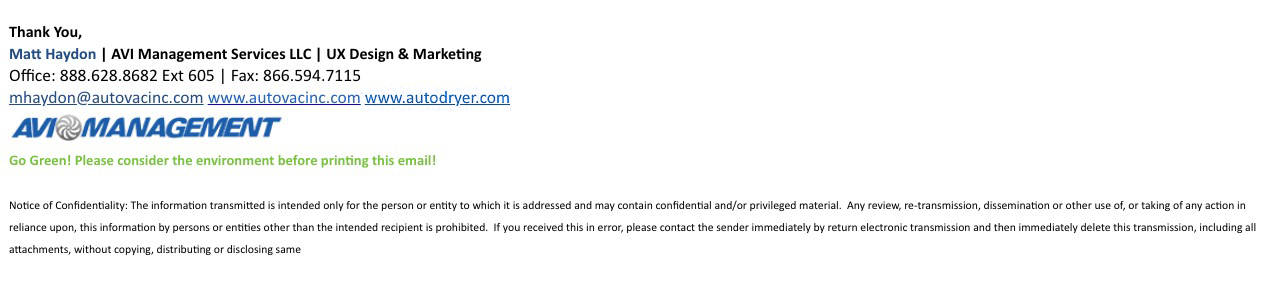
All staff members to have the following signature:

Thank You,
[Your Name] | AVI Management Services LLC | [Your Department]
Office: 888.628.8682 Ext [your Ext] | Fax: 866.594.7115
[Your email]@autovacinc.com www.autovacinc.com www.autodryer.com

Go Green! Please consider the environment before printing this email!

Notice of Confidentiality: The information transmitted is intended only for the person or entity to which it is addressed and may contain confidential and/or privileged material. Any review, re-transmission, dissemination or other use of, or taking of any action in reliance upon, this information by persons or entities other than the intended recipient is prohibited. If you received this in error, please contact the sender immediately by return electronic transmission and then immediately delete this transmission, including all attachments, without copying, distributing or disclosing same


Example:
example sig

Use this logo for your email signature: